Wedding collection
Wedding email templates, ready to send.
6 free promo emails for bridal shops, venues, florists, photographers and jewellers: trunk shows, sample sales, open days, consultations and engagement offers. Pick one, change the offer in the visual builder, and send.
6 templates · Free to use · 9,000 emails/month free
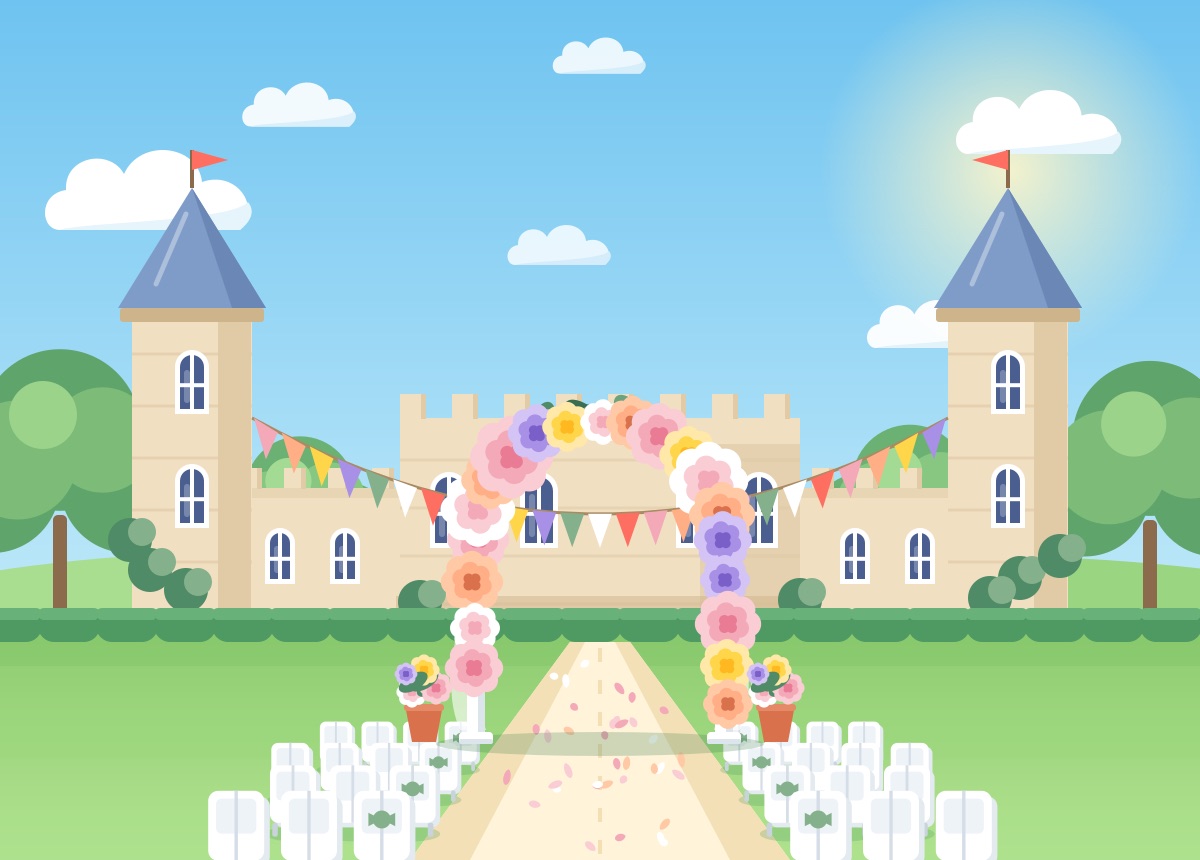
All 6 wedding templates
Every design is built around a real offer: a number, a date and one clear button.
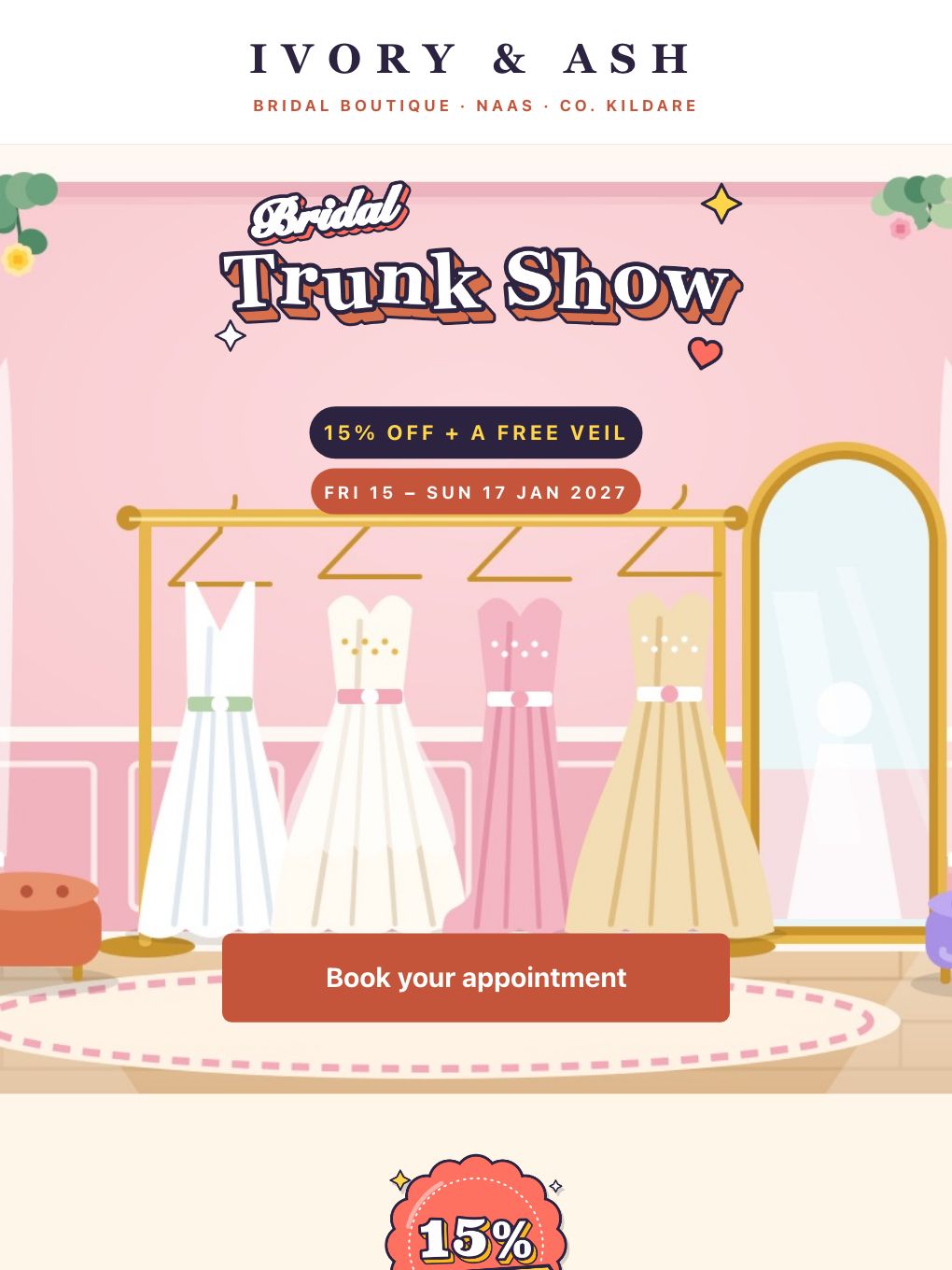
Bridal Trunk Show Weekend — Bridal Boutique
Event invitations · Fashion & Retail
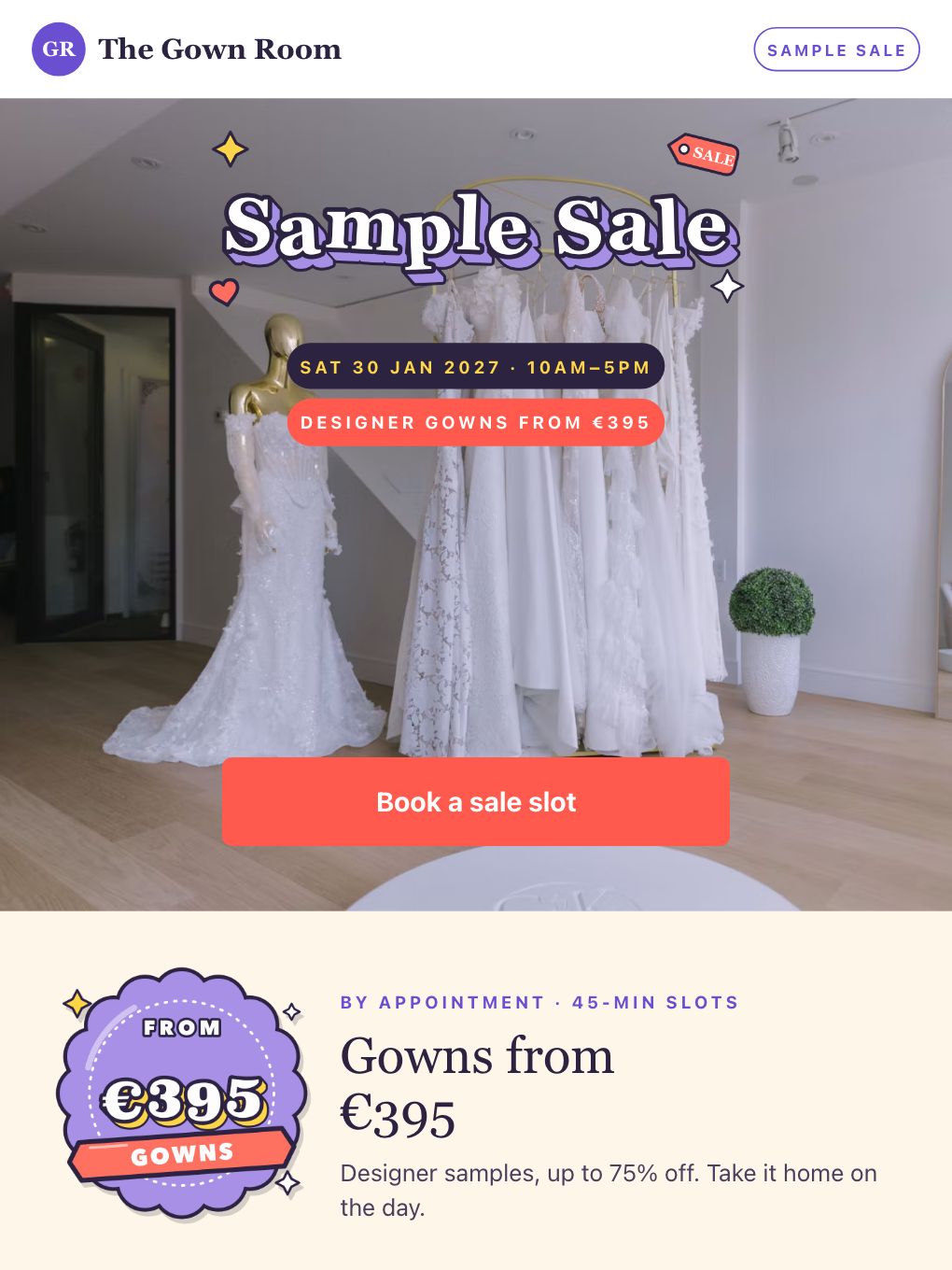
Designer Gown Sample Sale — Bridal Boutique
Promotional · Fashion & Retail
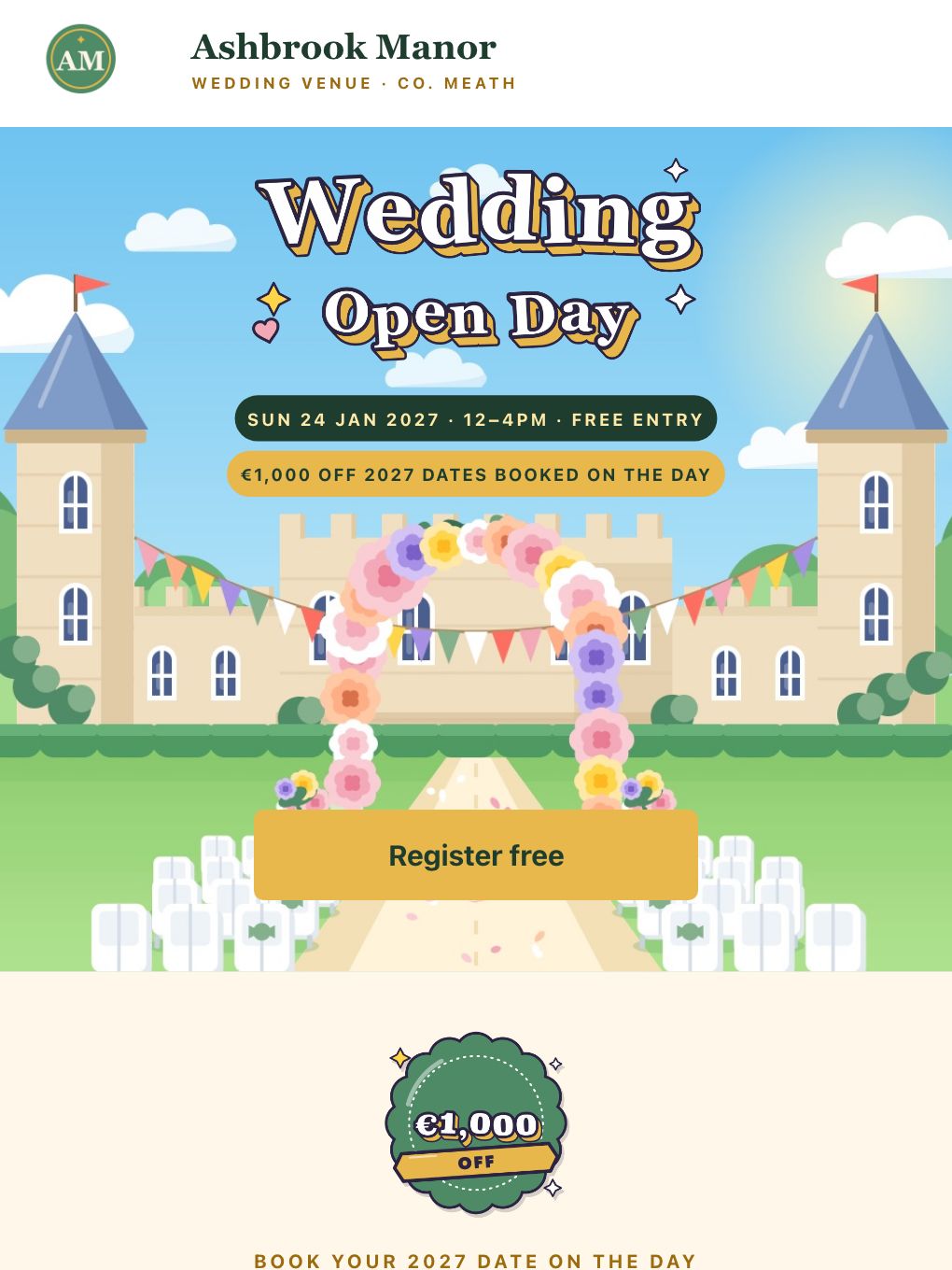
Wedding Open Day — Manor Venue
Event invitations · Travel & Hospitality
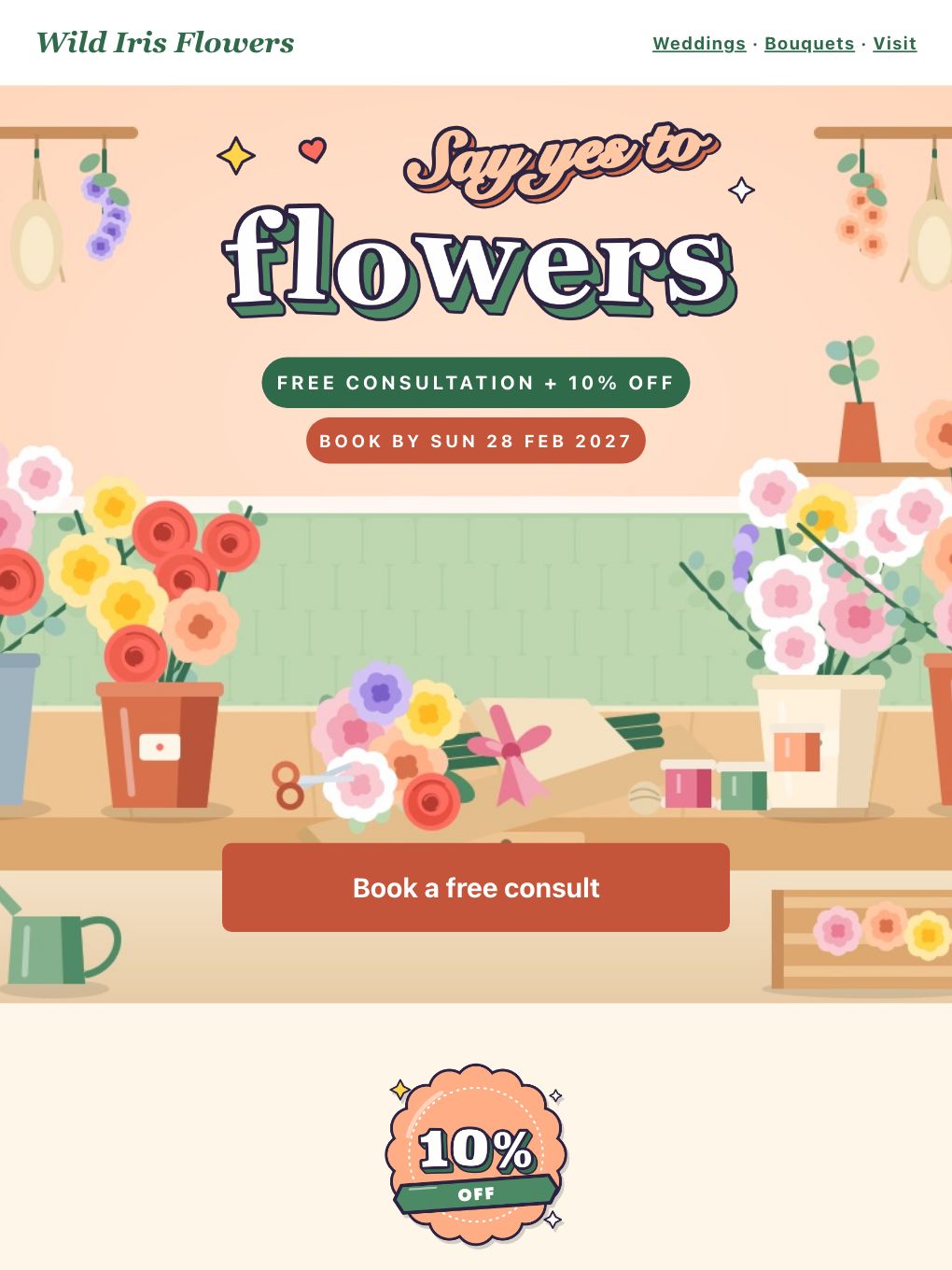
Free Wedding Flower Consultation — Florist
Promotional · E-commerce
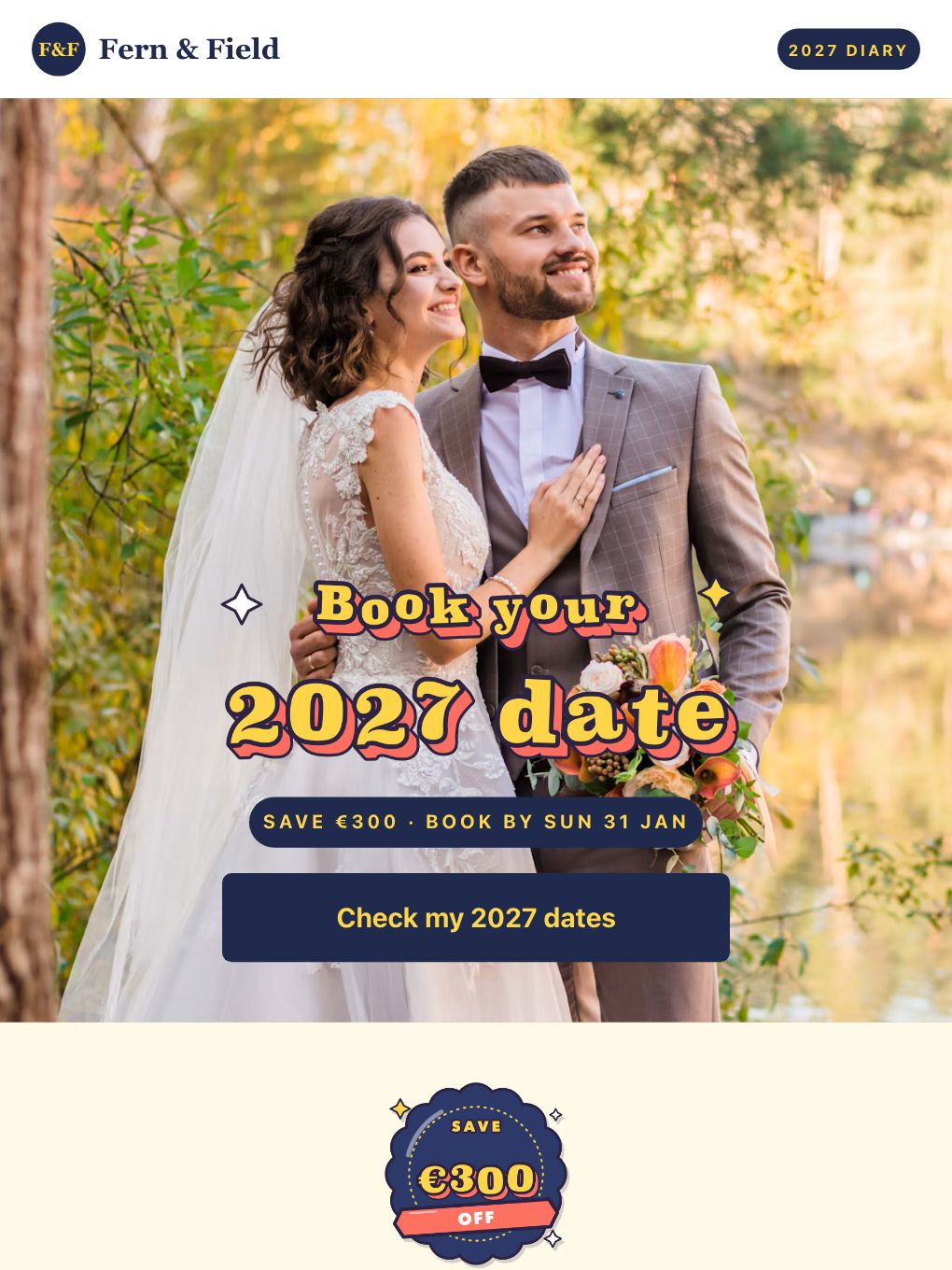
2027 Wedding Dates Filling — Photographer
Promotional · Media & Publishing
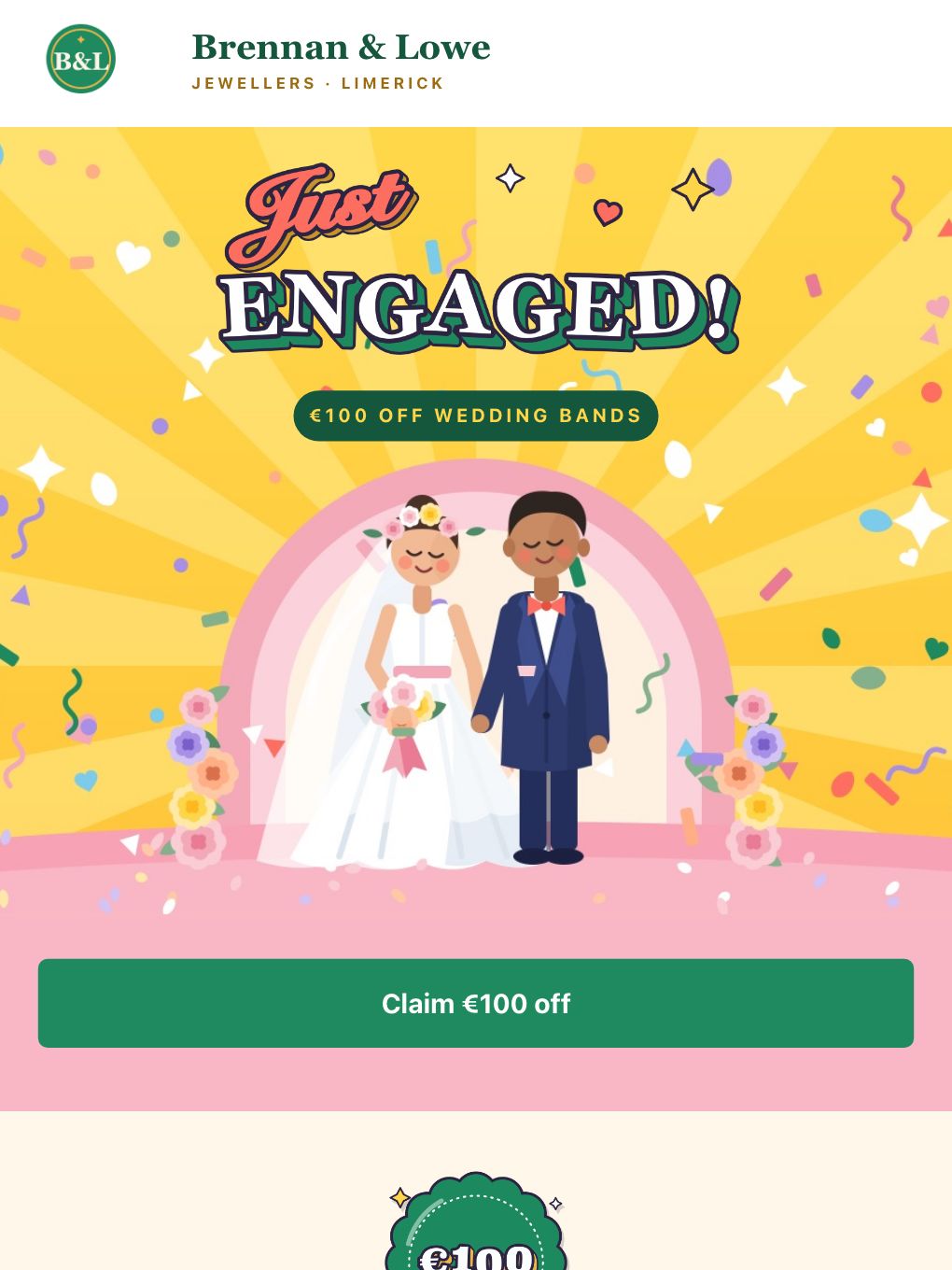
Just Engaged — Wedding Bands Offer
Promotional · Fashion & Retail
Pick the one that fits your business
Bridal shops
- Bridal Trunk Show Weekend — Bridal Boutique
15% off any gown ordered over one weekend plus a free veil, with 12 appointments a day.
- Designer Gown Sample Sale — Bridal Boutique
A one-day sample sale: designer gowns from €395, struck-through originals and 45-minute slots.
Venues
- Wedding Open Day — Manor Venue
An open-day invite with €1,000 off any 2027 date booked on the day and a free welcome drink for registering.
Florists and photographers
- Free Wedding Flower Consultation — Florist
A free 30-minute consultation and 10% off packages booked by a set date, with a two-weddings-a-weekend cap.
- 2027 Wedding Dates Filling — Photographer
A live 2027 diary of what is left, €300 off a package booked by a deadline and a gallery strip.
Jewellers
- Just Engaged — Wedding Bands Offer
Congratulations plus €100 off wedding bands, a free ring clean and a three-step route: pop in, try on, engrave.
What makes a wedding promo work
Sell the appointment
Every one of these ends in a booking: a fitting, a viewing, a consultation. Make the button book it.
Put a real date on it
"Fri 15 to Sun 17 Jan" and "book by 28 Feb" beat "limited time". Couples plan around dates, so give them one.
Be honest about availability
"Two weddings a weekend" and a diary of what is left only work when they are true. Update them before every send.
Show your own work
Most of the templates use illustrations so you can see the layout. Swap in your real gowns, rooms, bouquets and weddings.
When to send it
Work back from the event. Here is a simple rhythm to adapt to your own diary.
-
About three weeks out
Invite
A trunk show, open day or sample sale, with the real date and the appointment slots on offer.
-
About one week out
Fill the gaps
Show how many slots are left and what is included, so the undecided can pick a time.
-
Two or three days out
Last slots
A short reminder with the time, the address and one button to book.
-
The week after
Follow up
Thank people for coming and offer a next step: a second fitting, a menu tasting, a date held for a week.
Make it yours in minutes
- 1
Pick a template
Open any of the designs above. They are free to use.
- 2
Make it yours
Swap the offer, promo code, dates, prices and photos in the drag-and-drop builder.
- 3
Send or schedule
Send to your list now, or schedule it for the moment that suits your audience.
Wedding email template questions
Are these wedding email templates free?
Yes. All 6 are free to use. Open one in the Brixus365 builder with a free account, which includes 9,000 emails a month, then change the copy, offer, colours and images.
Can I change the offer, prices, dates and promo code?
Yes. The headline, prices, dates, code, button and photos are all editable in the visual builder. The big lettering is an image, so swap it for your own artwork if you want different words. Codes like JUSTENGAGED, and every price and date, are only examples, so replace them with your own.
Who are these templates for?
Bridal shops, wedding venues, florists, photographers and jewellers. The structure works for other suppliers too, such as cake makers, planners and caterers: swap the copy and images and keep the offer, the date and the single button.
When should I send a wedding promotion?
Work back from the event. Send the invitation about three weeks ahead with the real date and appointment slots, a reminder showing what is left a week out, and a last-slots note two or three days before. Follow up the week after. Many couples get engaged over Christmas and New Year, and wedding fairs and open days often cluster in January and February, so test the timing against your own enquiries.
Will these templates look right on phones and in Gmail?
They are built on the same email-safe, table-based layouts as every Brixus365 email and stack to a single column on phones. Key sections sit on a solid colour so the offer still reads if a client blocks images. Send yourself a test before every campaign; it takes a minute.